

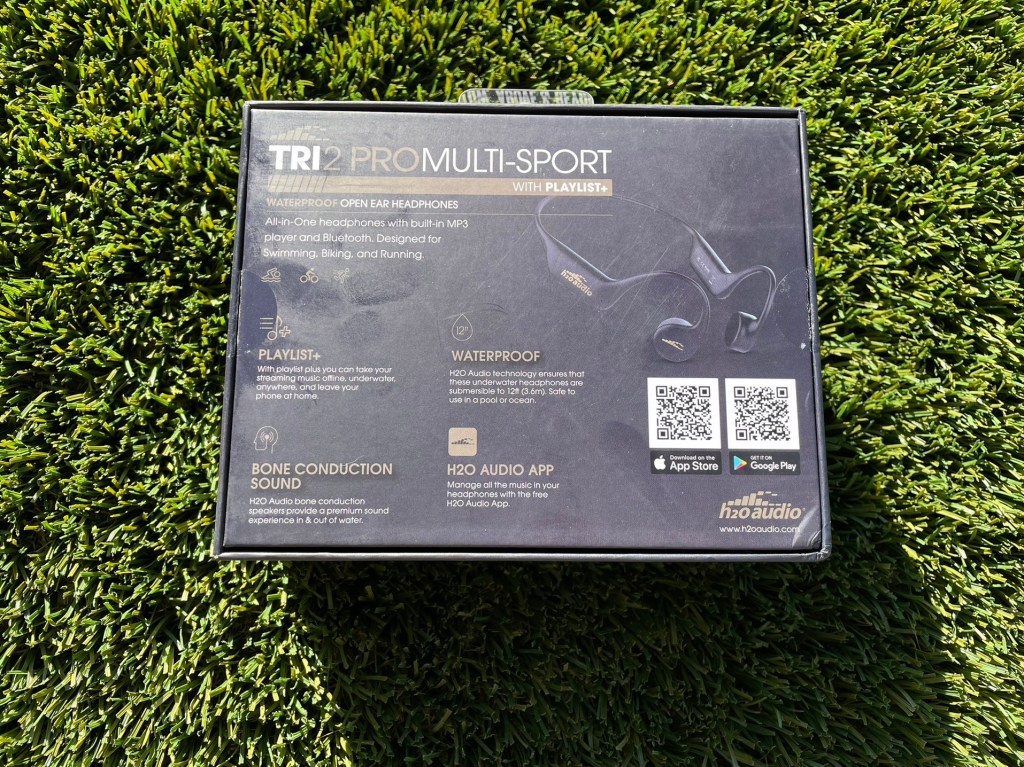
Earlier this summer I was sent a pair of H2Oaudio Tri2 Pro headphones. These are open ear (bone conduction) style headphones that are waterproof. Meaning, yep… you can swim in them.
But, there is a caveat with that. You can’t connect to your device via Bluetooth when one device (the headphones) are underwater. That means you need to preload the content onto the headphones first. We’ll get to that…
These headphones come with a convenient carrying case, so you can hold the headphones and peripherals all in one storage spot. Not that there is a lot of components, basically the headphones and the charging cable is all you need. I think they also came with a pair of earplugs, which always makes me chuckle to think of open ear headphones with a separate way to close your ears.
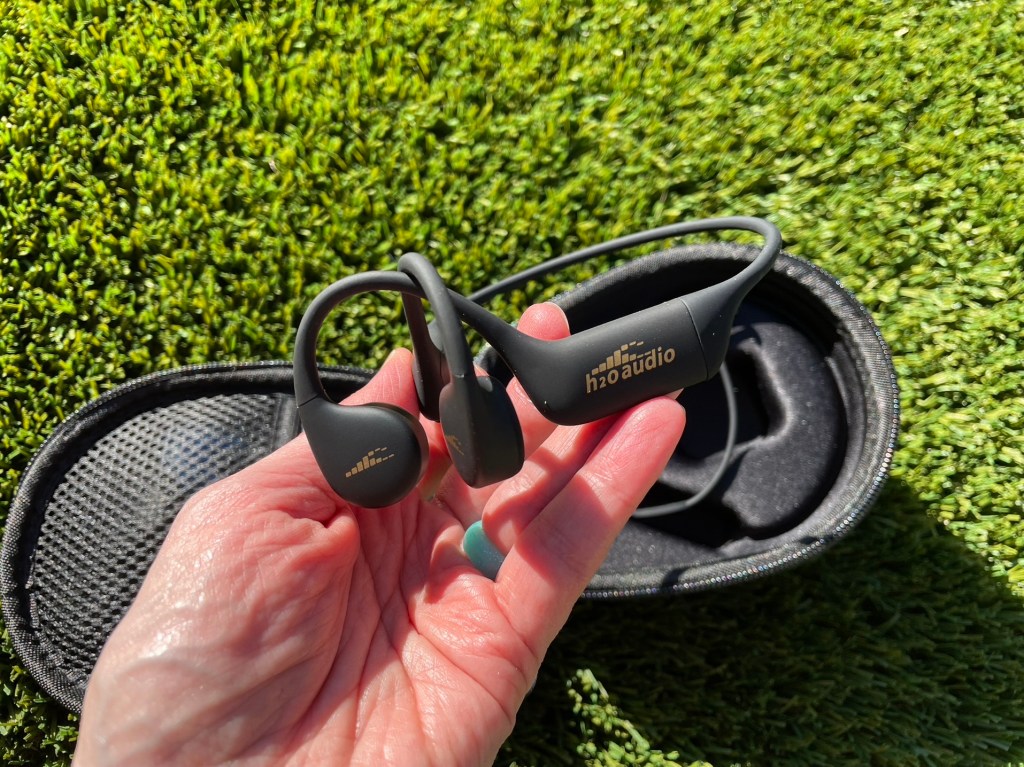
I found that they paired easily with my iPhone and I could listen to any audio started on my phone via Bluetooth with no problems. I found the headphones comfortable and the audio quality on par with most open ear headphones. (You’re always going to lose something if you’re wearing them out and a car passes you. Or a gaggle of tween boys on e-bikes.)
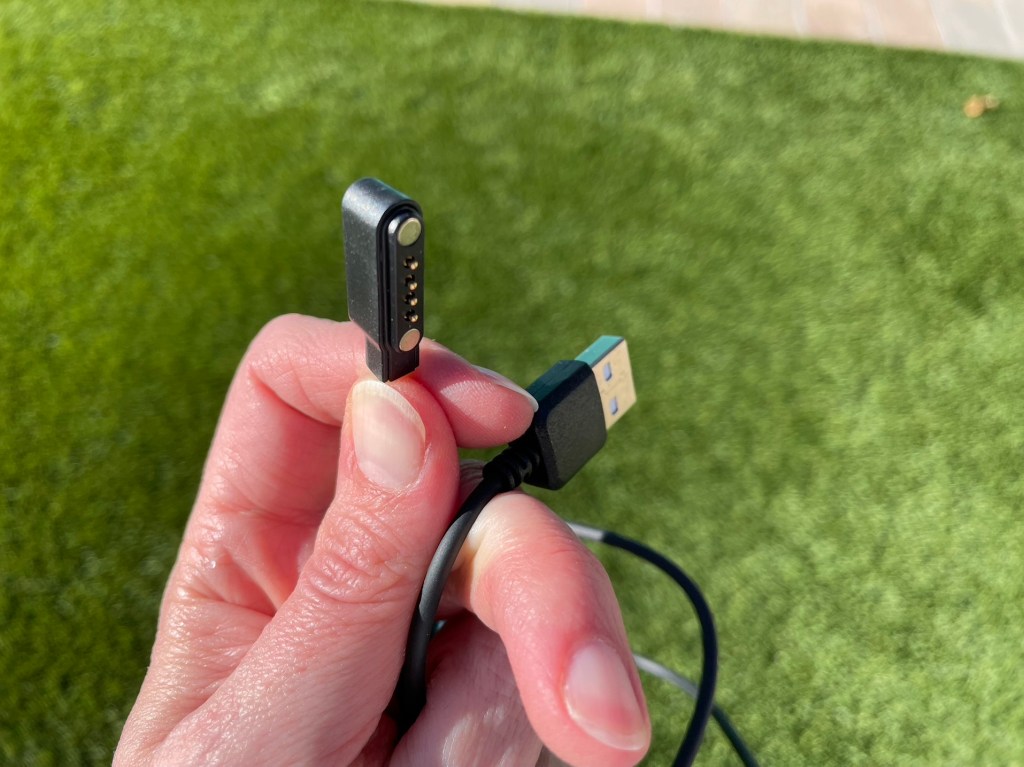
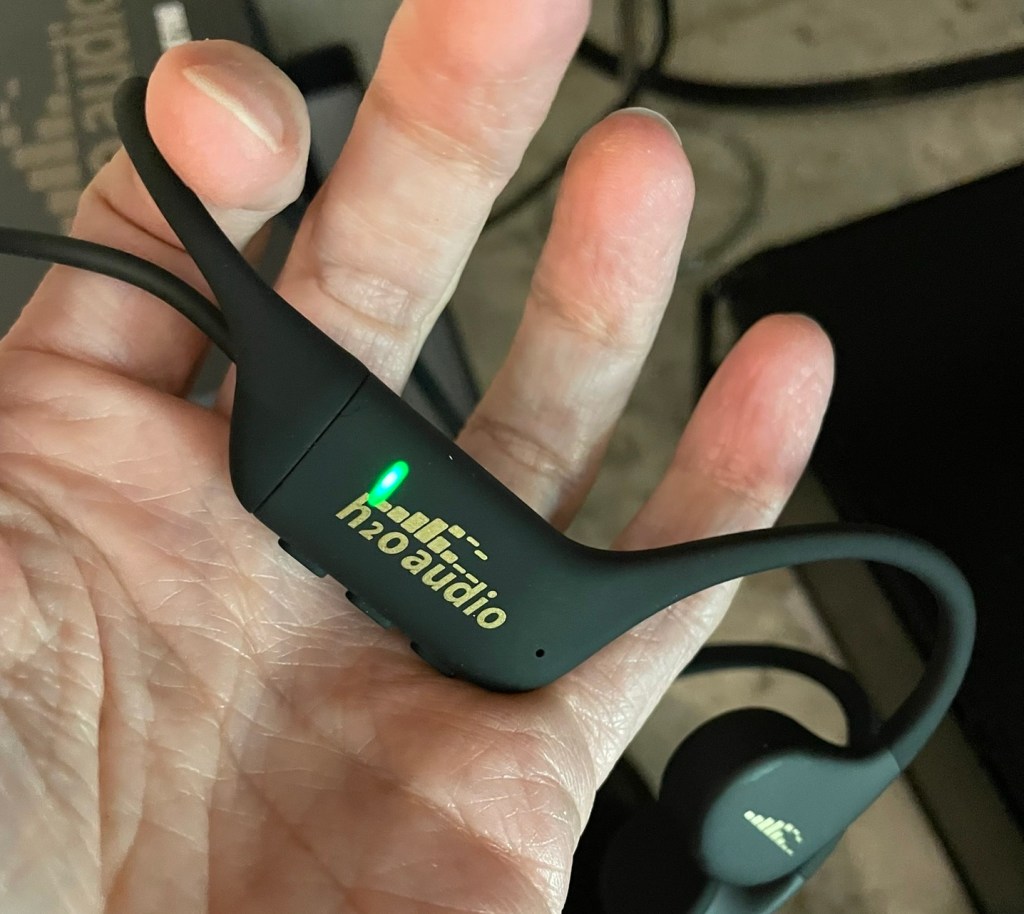
They come with a charging cable that is USB on one end and a magnetic charger on the other end, that is similar to styles used on some brands of smartwatches. Charging was easy, let the magnetic end grab onto the earbuds and plug in the USB. Wait until it turns green, you’re good to go.
So I just need to reiterate here, since the documentation for this product also reiterates it in several places. You cannot listen to anything via Bluetooth when you are underwater! You must load content onto to the device! If you are complaining about your Bluetooth cutting out while swimming laps, then you’re not following directions.
In fact, it was funny to have my daughter wear these while she was swimming and keep the app open on my phone. She was swimming away, listening to music on the headphones. But as she sent in and out of the water, I could see on the app screen messages about them being connected, disconnected, connected, disconnected. I wonder if that would kill the battery for your phone after a while. I imagine the headphones would be fine though.
There are a few ways to load audio on to these. The easiest being to connect them to the charging cable, connect the cable to a computer, and drag audio files onto them like it’s another storage drive. This works beautifully if you have audio files.
But if you’re listening to podcasts or audiobooks, you probably don’t have the actual audio file. *
The other methods to get audio on to the headphones are kind of clunky and I didn’t like them all that much. It worked, but it kind of reminded me of the 1980’s when I would make a mix tape by recording songs off the radio. You’d miss the first few seconds of songs and that was just how we accepted it.
To load other audio on the headphones, you have to use their PLAYLIST+ functionality, which lets you transfer any audio content streaming on your device to the headphones. There are two methods for this.
- Directly via Bluetooth: Start your desired audio on your paired device, making sure you hear it playing through the headphones and that the volume level is high enough. Then you double-click the + button on the headphones. I would recommend you restart the audio before pressing the + button because you’ve probably lost a lot of seconds at the start as you’re checking the audio levels.
- Loading via App: This is a little bit more intuitive, but the app interface needs some refreshing. It feels pretty rudimentary. But this is the same kind of concept, you connect via Bluetooth, start the song/podcast/book playing and then start loading in the app. With the app you can indicate time to load, so you could say “load for 40 minutes” to get a whole podcast. (Or load for 3 hours, depending on what podcasts you like.) But that means that your device and your headphones have to sit there for the whole duration of what you want to load to finish, then you can play it back on the headphones while you’re underwater.
Personally, I would prefer to just load songs on via the USB transfer. Much faster process. I did load a little bit of a podcast and a little bit of an audiobook to test it out, but for longer term use playing from the headphones memory I always reverted to music.
*I don’t know how far back in podcasting history you recall… I setup a podcast for something at work back in 2004 or so. At that time, you subscribed to a podcast in iTunes and each new episode would download to your computer/iTunes automatically and you transferred it to your iPod. So you actually did get the audio file. Podcasts are so ubiquitous now, I cannot imagine having to store that many audio files. And who needs to keep a podcast audio file forever, aside from the original creator? But if people were not careful or aware of storage limitations, they’d fill that up fast if we still operated like that.
 Jill Will Run